-
Videopad By Nch Software Registration Code Free
Apr 5, 2022
The serial number for NCH is available. This release was created for you, eager to use NCH VideoPad 5.x full and without limitations. Our intentions are not to harm NCH software company but to give the possibility to those who can not pay for any piece of software out there. Videopad registration code works and gives you free access to its video editing tool. You can even download the crack version of the Videopad video editor. You can download the full version from the official site of NHC or Softonic. Videopad is a good video editing solution for both beginners and professionals.
Cons
Our Score 9/10In this post, we have shared the Videopad Registration Code 2021. Before you begin with the registration code details, let’s share the video pad editor pro.It is a great option if you think vide editors like VSDC Video Editor Discount codes and Movavi coupons don’t offer much.Videopad Free Registration Code 2021
- ID: 478678 Key: WSERGTHTY
- ID:11389569 Key: igmnclvc
- ID:11268491 Key: KLBFCLIE
- ID:1727443 Key: otkvcl
You can use the Videopad Registration code after purchasing the license.
How To Grab Videopad Registration Code 2021?
With the Videopad Registration codes, you will get access to unlimited transitions and video effects. If you are willing to make an attractive video for YouTube, this is the right tool for you.
Here is how you can get the Videopad registration code for free:
- Download the video pad video editor from the link.
- Register for the video editing tool.
- Enter the registration code and click on agree.
About Videopad Video Editor:
Videopad video editor is software for both beginners and professionals who are interested in producing high-quality videos and movies.
Videopad owned by the NCH software company which is also known for its wavepad tool. The video software works on iOS, Mac OS, Windows, and Android.
Videopad is available in various languages such as English, French, Spanish, Japanese, German, Korean, Russian, and Italian.
It has a sound-editing program called WavePad and an image editor called PhotoPad.
Why Use Videopad Registration Code?
With Videopad codes 2021, you can get the premium license for the video editor tool.
Videopad allows unlimited editing tracks that help create complicated projects too. There are two screens where the first one lets you preview your track while the second screen helps review your videos.
Videopad video editor tool is available as a trialware as well as a premium ware where the free edition is feature-limited and the latter has plenty of advanced features.
Videopad code gives you the paid version for $49.99 and includes multiple tracks and VirtualDub plugin support.
There are editors available right on top of the windows bar that lets users edit videos quickly.
It has the timeline/storyboard workflow which can be switched back and forth with all the edits intact.
Videopad video editor pro has a drag and drops editor that enables users to drag and drop changes and effects on the videos.
It provides over 50 visual and transition effects that add a professional touch to your videos.
It has both 3D and 2D editing techniques and you can also convert 2D into 3D on this software. There are text editors that enable users to add text, captions, subtitles, and images to the videos. The software helps produce chroma key green screen videos.
Videopad software supports complete video optimization where you can add visual effects and fine-tune color, slow down, or speed up the videos based on your preferences helping you create time-lapse movies.
You can also add photos and digital images to your video clips and reduce camera shake with a video stabilization feature. The other effects include brightness, contrast, hue, and saturation.
Also Check out Is Movavi Legit Video Editor Tool?
Audio Editing Tools
Videopad code provides mix pad multitrack mixing software to make your own custom music tracks and videos. You can import audio tracks to add professional quality tracks to your movies and videos.
There’s a sound effect library from where you can use sound effects for free. You can adjust volume and add effects like echo, reverb, and distortion.
Import/Export
The software allows users to import video clips from a DV camcorder, webcam, or VHS and in any file format such as AVI, WMV, MPV, and DIVX.
Once you complete the editing process, you can export the file to a desktop, smartphone, or upload it to social media networks like YouTube, Vimeo, Facebook, and Flickr.
Apart from this, you can also burn videos into DVDs and Blu Ray discs. You can save videos to iPod, iPhone, and export it into multiple resolutions like full HD, 2K, and 4K.
Videopad supports video input file formats such as .avi, MPEG, XviD, MOV, VOB and DivX, image formats like gif, jpg, png and gif, audio formats like MP3, WMA, DVD, FLAC and raw. The supported video output formats include .avi, mpg, MOV, WMV, and PSP.
Nch Videopad Registration Code 2020
Who Is It Best For?
Videopad software can be used by anyone. Be it the video creators or the newbies, everyone can use the features of video pad editor pro. Not just the homemade videos, it can edit and redesign any type of video.
You can start and use the how-to guide to use the video pad video editor tool. You will get various tools and effects with the video pad editor code such as controlling brightness, contrasts, volume, and various other features.
Videopad System Requirements:
For Windows:
- OS: Windows 10, XP, Vista, 7, 8 and 8.1
- Processor: 1.5 GHz
- Memory: 4 GB RAM
- Storage: 100 MB available space
For Mac OSX:
- OS: Mac OS X 10.6
- Processor: 1.5 GHz
- Memory: 4 GB RAM
- Storage: 100 MB available space
Pros
- Unlimited editing tracks
- Lots of audio and video effects
- Add your own audio tracks
- Quick Video Optimization
- Free Registration Code
Cons
- Lacks important features
- Cannot create photo slideshows
- Time-consuming and confusing
Videopad FAQs:
✅ Is Videopad Editor Free?
Videopad Editor is free as well as paid. The free plan has some limited features. You can create videos and join various video clips together. It is free for non-commercial use. You can also use the free serial key to get the Videopad license.
💲 How much does VideoPad cost?
Videopad offers a free version with limited features. The paid version has a master plan which costs $99 with unlimited video and audio tracks and plugins. The Home edition plan costs $60 with two audio tracks and limited plugins.
🔥 Does VideoPad Apply Watermark to its Videos?
Unlike some video editing software, the good thing about Videopad is that it doesn't apply the watermark to its video. You can import the video without a watermark using the free videopad code.
🏆 Which system is Videopad compatible with?
Videopad is compatible with a number of operating systems such as Windows XP and later; Mac OS X 10.5 and later; Android 2.2.3 and later; iOS 6.0 and others.
⚡ How Do I Export Videos from Videopad For Free?
You can easily export the videos from Videopad to any social media channel or to your device. If you have a paid plan, or if you have used the videopad registration code, you can export the videos with one click.
Also Read:
Conclusion: Does Videopad Registration Code Really Works?
Videopad registration code works and gives you free access to its video editing tool. You can even download the crack version of the Videopad video editor.
You can download the full version from the official site of NHC or Softonic.
Videopad is a good video editing solution for both beginners and professionals. Even though it lacks some advanced features, the software provides all the basic tools to create high-quality videos and movies.
You can create professional videos in minutes and directly share it on social media websites or watch it on your TV.
It also supports all the popular audio and video file formats.
Compared to its price tag, the software can be a great tool for amateurs who are willing to try their hand in creating their own video projects.
I hope you have liked our review. Use the Videopad registration code 2021 for free and start editing now.
Problems when Purchasing or Registering
Purchase & Registration
Purchase and Register NCH Software in 4 Steps:
Videopad By Nch Software Registration Code Free Shipping
Step 1: Download
Download and test the software you are interested in. Step 2: Purchase
Purchase a license using your credit card. - If you only purchased one software product, you will be supplied with a registration code on the screen and by email. Proceed to Step 4.
- If you purchased multiple software products, you will be supplied with a 13-digit serial number on the screen and by email. This is your license serial number. Continue to Step 3.
Step 3: Activate
Activate your license by entering your serial number and registration information into the activation form at: https://secure.nch.com.au/activate. This will generate the registration code for your software. Step 4: Register
Enter the registration code by starting the program, going to the File menu, choosing Register Software, pasting your registration code into the dialog box and clicking Register. This process will convert the demo version of the software to a professional version. If you do not receive an error message the details have been accepted.At the time of purchase you would have received an email asking you to print out or back up your registration details and receipt. We advise you to store this with a copy of the setup.exe you installed at the time of purchase on a CD.
You can recover the product keys registered to your email address. Please enter the email used to purchase the product, and click on Recover Lost Product Key. You will receive an email with all of your product keys.
Purchasing and Registration Support
Please note this page is for problems relating to purchasing, activation or registering software. If your problem or question is just generally about the software, please see our Main Support Page.
Problems when Attempting to Purchase
Pricing and Invoices
Problems when Moving or Updating License
Problems when Activating or Registering
If none of the above answers your question, please contact us for registration support here.Videopad By Nch Software Registration Code Free Version
-
Lineage 2 Clan Crest 16x12 256 Color Download
Apr 5, 2022
- Lineage 2 Clan Crest 16x12 256 Color Download Mp3
- Lineage 2 Clan Crest 16x12 256 Color Download Free
Na Ena Site Pou Exei Merika: Oste Na Gini 16x12 (Clan Crest). Meta Mpenoume Lineage 2. Diptrace license. How to Edit Clan Crests in Lineage 2. But the format and size requirements for Lineage 2 clan crests are so restrictive that. Draw your clan crest using Paint's.
Every good team needs a good symbol. The United States has the bald eagle, the Indianapolis Colts have the horse shoe, and Judaism has the Star of David. In the online role-playing game Lineage 2, your team of players, or 'clan,' can have its own crest that appears over the heads of clan members' in-game avatars. Normally choosing the clan crest is up to the clan leader, but if the clan leader wishes, she can allow another clan member to upload the crest. If you want to change your crest later, just make a new one and upload it again.
Open an image-editing program such as Microsoft Paint. Paint is a very simple image editor, but the format and size requirements for Lineage 2 clan crests are so restrictive that you don't need to use fancy software.
Press ALT+C once in game to bring up the clan panel, and click Set Crest. It will ask you where it's stored, type in the directory for example C: crest.bmp and click set. Note: If you want to create your own emblem create a 16x12 pixel graphic with a graphic editor and save it as a 256 color.bmp file. I want to change my Lvl 8 clan's clan and ally crests. I've got them both saved in what I believe is 24bit 256 color BMP files. Clan tag is 16x12 and ally tag is 8x12. It's been awhile since I've done this. Went into Photoshop. Saved them as BMP then clicked advanced options and set it to 24 bit RGB. Clan emblem harus mempunyai 16 pixels lebar dan 12 pixel tinggi dan disimpan dalam 256 warna dan dalam format bmp. Bila kamu menggunakan paint, setelah kamu menciptakan gambarmu, klik save as di file menu dan pilih 256 color bitmap. Taruh file tersebut di sistem folder di directory Lineage II mu.
Open the 'File' menu, click 'Properties,' and set the canvas size to 16 pixels wide by 12 pixels high.
Draw your clan crest using Paint's drawing tools. Because the canvas size is so small, you should zoom in on it before drawing.
Lineage 2 Clan Crest Gallery
Create a new folder in the root directory of your hard drive, and name it something easy to remember, such as 'crests.' Later you'll need to type out the directory to upload the image, so if you use a complicated path, you'll regret it. Save your image into this folder as a 256 color bitmap (.bmp) file.
Lineage 2 Clan Crest 16x12 Download
Open 'Lineage 2,' enter the game, and open the 'Clan' window by pressing the 'ALT' and 'N' keys on your keyboard. Click the 'Set Crest' button in the 'Clan' window. Download chrome extension for firefox.
As a private investigator, I use the knowledge gained from the tools every day, and am impressed with their usefulness.” -Matt M., Private Investigator “I’m very sincere when I say that Dr. Micro expression training tool mett download free.
Lineage 2 Clan Crest 16x12 256 Color Download Mp3
Type in the path and file name of your crest. For example, it might be 'c:crestsmycrest.bmp.' Click the 'OK' button to upload you crest.
Lineage 2 How To Make Clan Crest
Video of the Day
Brought to you by TechwallaLineage 2 Clan Crest 16x12 256 Color Download Free
More Articles
-
Quickbooks Validation Code Generator
Apr 5, 2022
-
How to Find QuickBooks Validation Code in Registry ?
If you are a new customer to quickbooks accounting software and looking for the simple way to find the quickbooks validation code in registry. Simply visit us at www.accountinghub.co or you can also connect with our QB support team at +1844-313-4856. ...
-
Know How to activate QuickBooks Direct Deposit Form
QuickBooks facilitates direct deposits to employees. Employers now can schedule the payment with direct deposits. Before this, you need to register QuickBooks Direct Deposit Form. Go through the below-mentioned process to enable direct deposit. • Go to Employees • Then, ch ...
-
QuickBooks Validation Code Generator
QuickBooks Validation Code Generator may be a method of overcoming these pestering procedures and technology is utilized in making invoices in straightforward simple steps. It additionally permits the business owner to present access to multiple users as per the necessity. Visit us on the net for ...
-
QuickBooks Error 1712 Steps to Fix Issue
QuickBooks error code 1712, which is frequently observed when the working framework gets harmed. This error can likewise inconvenience the client on the off chance that any framework document or any Microsoft parts utilized by QuickBooks gets harmed or debased. Causes: ➤ In the eve ...
-
Steps to Fix QuickBooks Error Code H505
QuickBooks Error H505 is shown when a client attempts to get to a QuickBooks organization record put on another PC. For the client, the reason for this error may not be promptly evident and can be disappointing and befuddling. Resolve QuickBooks Error H505: Check Hosting Make ...
-
How do I Setup Email in QuickBooks Pro with Easy Steps
QuickBooks Desktop Products have many options like integrating your email with Outlook, Web-mail, and QuickBooks mail. Here, we have discussed how you can configure QuickBooks Pro Email Setup QuickBooks desktop. Emailing directly from QuickBooks saves a lot of time, effort, and is considered one ...
-
Steps given below to activate Mcafee on your computer ?
Your problems with Mcafee Activation is going to the resolution soon. Dial our toll-free Mcafee Support Phone Number, the experts available here will fix your problems in a stipulated time.(mcafee activate) If you are a expert in this field but just a bit confused with the whole procedure, w ...
-
Hardware Validation Engineer
Apply Online Hardware Validation EngineerFarmington,MISummary of theHardware Validation Engineer Job :Hardware Validation Engineer with active safety experience is required to play a vital role as a Product Assurance Engineer for one of our clients based in Michigan area. Our this client is aleader ...
Quickbooks Pro Plus 2011 Validation Code Generator. QuickBooks Desktop for Windows. With QuickBooks open, press F2 on your keyboard. On the Product Information window, check the registration status at the right side of the License number. If QuickBooks says ACTIVATED, you're all set!
Quickbooks 2008 Validation Code Generator
- About Press Copyright Contact us Creators Advertise Developers Terms Privacy Policy & Safety How YouTube works Test new features Press Copyright Contact us Creators.
- Business accounts might be difficult.Validation code for my quickbooks pro 2013.Quickbooks Validation Code Generator Codes and Scripts Downloads Free. The JET Code Generator is a DataBase code generation system based on industry standard XSLT.
-
-
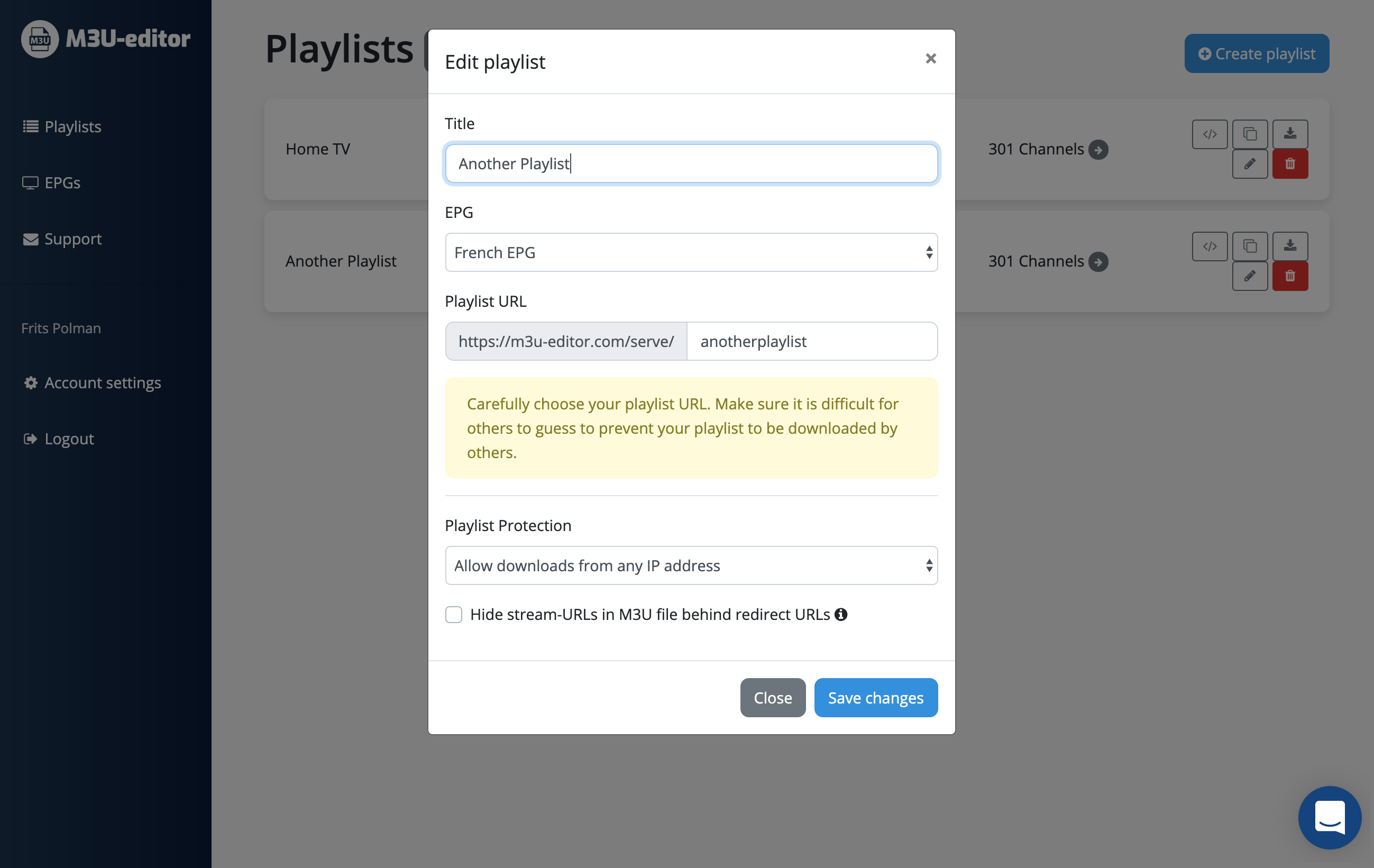
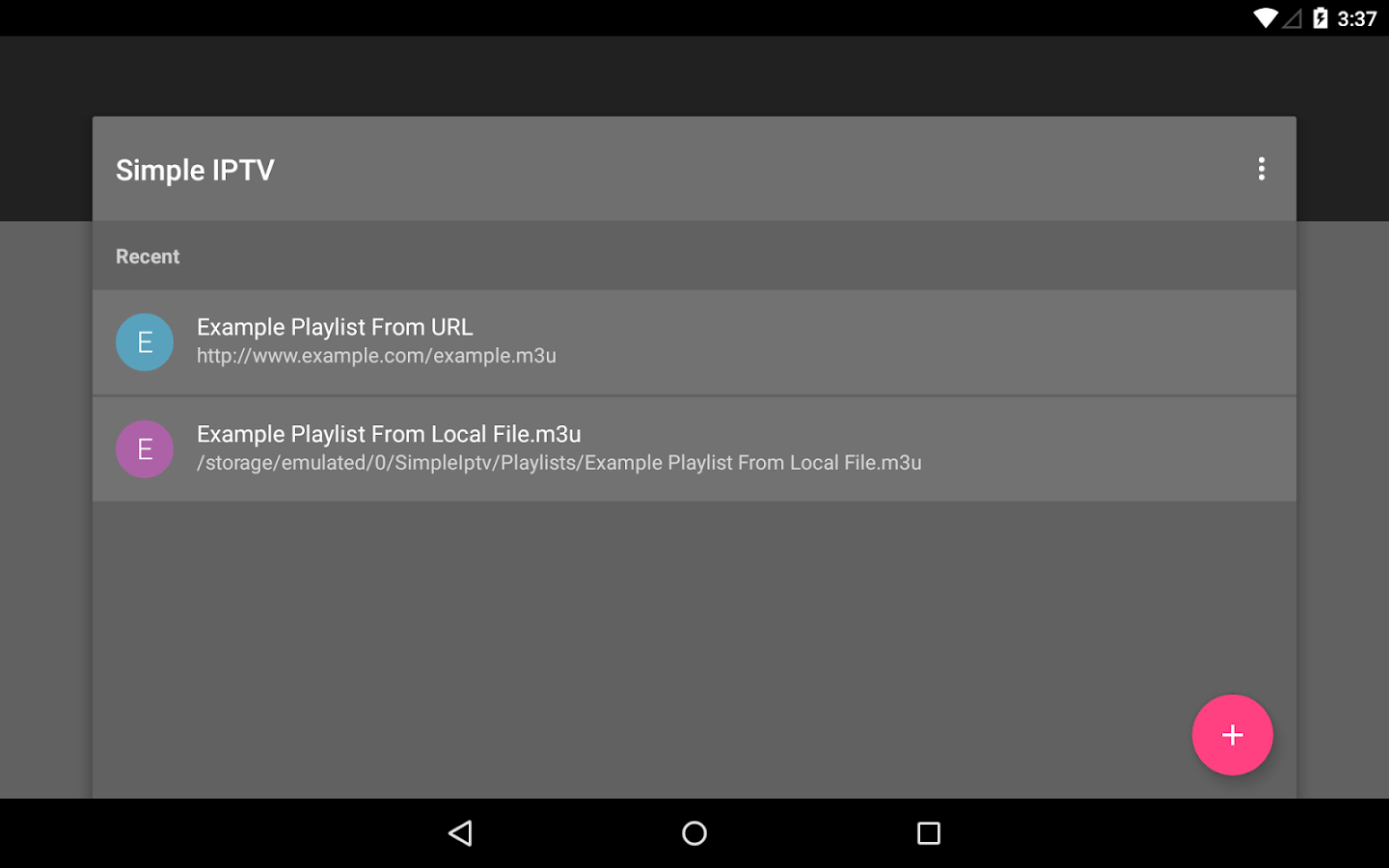
Simple M3u Playlist Creator
Apr 5, 2022
A1. Open VLC media player. If you didn’t install this program before, visit the link and download the compatible version for your computer: VLC Media Player Downloadand here - how to install it.
May 06, 2020 IPTV M3U playlist URL input is one of the best things about Kodi IPTV, though often overlooked. M3U playlists have revolutionized how we watch television by using a simple URL. Online streaming video services have recently replaced more traditional cable and satellite TV broadcasting networks. Free iptv m3u playlists for VLC Kodi Smart IPTV & all devices and from all over the world daily updated, sports movies entertainment series kids tv FREE IPTV M3U PLAYLISTS M3U.FREEIPTV.LIFE: Playlist Creator M3U, XSPF, WPL, PLS, AxBox.
2. Click on “View” on the toolbar and choose “Playlist”. You can also press Ctrl+L to open the playlist window quickly.
3. Right click on the playlist window, select “Add File…” or “Add Folder…” and import your video files from your computer into VLC or drag and drop the target files or folder to the window. The drag-and-drop mode also apply to rearranging the orders of video files. Once its done you may save this playlist to a file.
4. Select “Media” on the upper-right corner or click the keyboard shortcut Ctrl+Y, choose “Save Playlist to File”, specify the output path, rename the file and save the type as M3U playlist. Finally, click on “Save” button to create M3U file.Once its done, you can check the created M3U files on the output folder you specified just now.If you are creating playlist from streaming links - just open that file with text editor of your choice and replace line with file location:C:My_Video_Foldermy_video_clip.mp4
with the streaming link:
http://server_url/my_stream.m3u8Simple Structure of the M3U playlist with 2 HLS streams looks like this:
#EXTM3U
#EXTINF:-1, Channel NAME 1
http://server_url/my_stream1.m3u8
#EXTINF:-1, Channel NAME 2
http://server_url/my_stream2.m3u8Simple M3u Playlist Creator Download
Simple M3u Playlist Creator Online
NOW, to convert M3U playlist to diffirent type of playlist, you may use our FREE Windows Tool:
M3U Playlist Converter!!!
-
Visual Studio Community Mac Download
Jul 3, 2021
-->
Visual Studio For Mac Review
Visual Studio Code is free and available on your favorite platform - Linux, macOS, and Windows. Download Visual Studio Code to experience a redefined code editor, optimized for building and debugging modern web and cloud applications. Download Microsoft Visual Studio 2015 for free. Microsoft Visual Studio 2015 - Visual Studio 2015 is an integrated suite of developer productivity tools, cloud services, and extensions that enable you and your team to create great apps and games for the web, for Windows Store.
Developer Community |System Requirements |Compatibility |Distributable Code |Xamarin |Blogs |Servicing
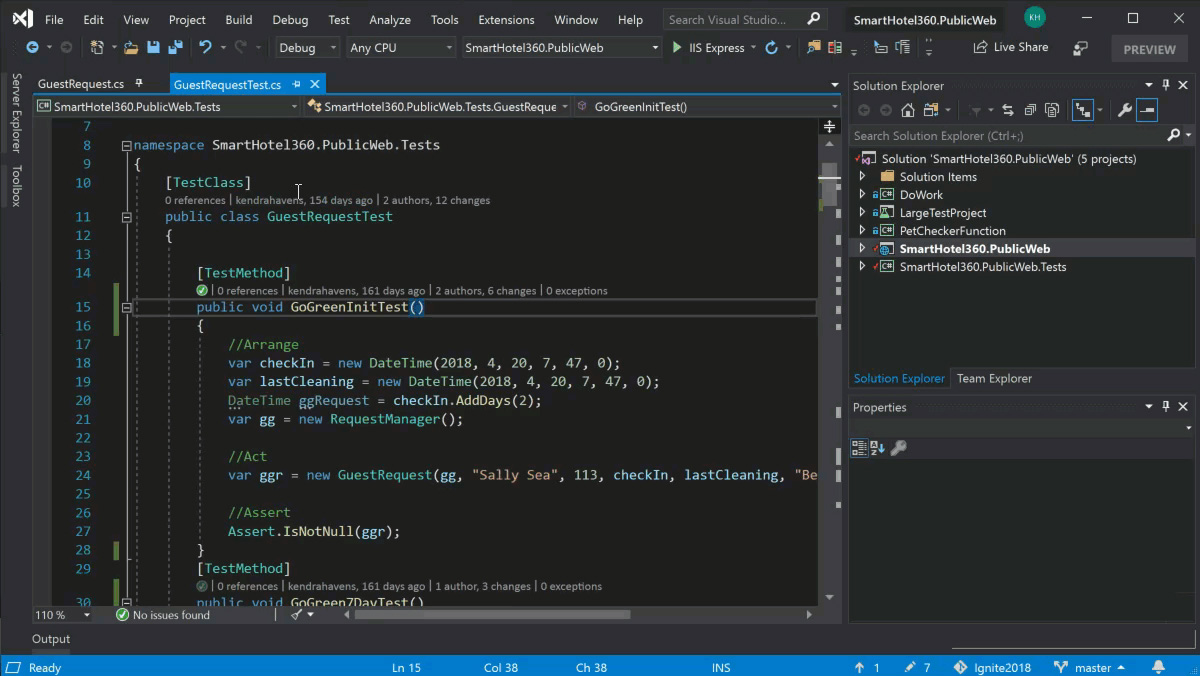
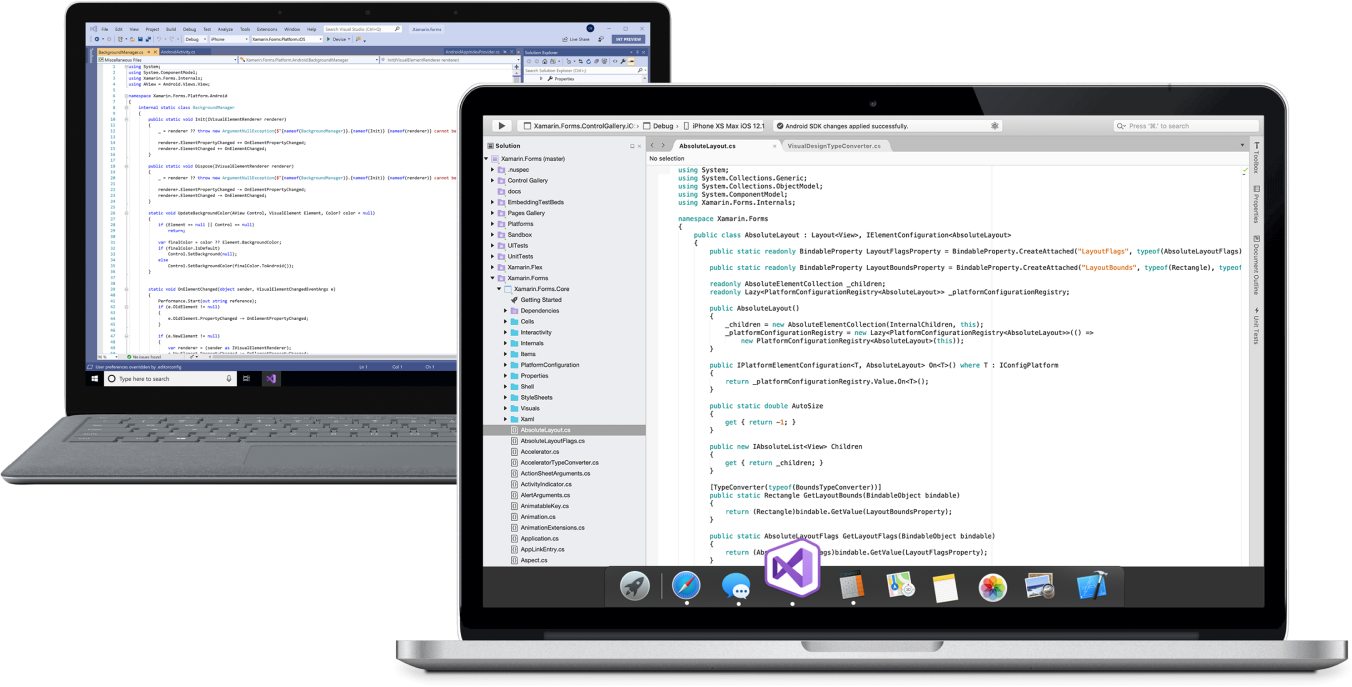
Visual Studio 2017 for Mac contains many new and exciting features and IDE productivity enhancements tosupport cross-platform desktop app development, cross-platform mobile development, Azure development, web and cloud development,and more. To try out Visual Studio 2017 for Mac, see the Downloads page.For more information about everything that's new in this release, see theVisual Studio 2017 for Mac release notes.
System Requirements
For information on the system requirements for installing and running the Visual Studio 2017 for Mac family of products, see the Visual Studio 2017 for Mac System Requirement page.
Platform Targeting
Visual Studio for Mac provides cutting-edge tools and technologies to create apps that take advantage of thelatest platform capabilities, for macOS, Android, iOS, tvOS, and watchOS, as well as web sites, services, and games.
Feature Summary
Visual Studio 2017 for Mac Support for Android Development
Visual Studio 2017 for Mac enables you to build native Android apps using Xamarin and C#. You can use Unity to build Android games.
You can use the Android SDK Manager to easily obtain the Android SDK and Android API levels.You can download additional API levels separately using the Android SDK Manager.
For more information, see Android development with Visual Studio for Mac.
Visual Studio 2017 for Mac Support for iOS Development
Visual Studio 2017 for Mac enables you to build native iOS apps using Xamarin and C#. You can use Unity to build iOS games.
For more information, see iOS development with Visual Studio for Mac.
Visual Studio 2017 for Mac Support for macOS/OS X Development
Visual Studio 2017 for Mac enables you to build console applications and Cocoa (desktop) applications for macOS.
For more information, see macOS development with Visual Studio for Mac.
Visual Studio 2017 for Mac Support for ASP.NET Core Development
ASP.NET Core is an open-source and cross-platform framework for building modern cloud based internet connected applications, such as web apps and services, IoT apps, and mobile backends.
ASP.NET Core apps can be developed and debugged using Visual Studio 2017 for Mac, including the server-side code as well as client side HTML, CSS, and Javascript. They can be hosted on Windows, macOS, or Linux.
For more information, see .NET Core and to get started follow this hands-on lab.
Visual Studio 2017 for Mac Support for Unity Game Development
Visual Studio for Mac Tools for Unity is a free Visual Studio extension that turns Visual Studio for Mac into a powerful tool for developing cross-platform games and apps with the Unity platform.
For more information, see Visual Studio Tools for Unity and to get started follow this hands-on lab.
Other Platforms and Technologies
Visual Studio 2017 for Mac also supports the following platforms and technologies. For more information, seehttps://visualstudio.microsoft.com/vs/.
- .NET Core 1.1. For more information see https://dot.net/core
- F#
- Web Development HTML5/CSS3 and JavaScript
Feedback and Suggestions
Use the Provide a Suggestion link on the welcome page in Visual Studio for Mac, or visit Developer Community page directly. From here you can add new requests or vote on existing ideas. To report a problem, follow these instructions.
Top of Page Download Visual Studio Community For Mac
The AWS Toolkit for Visual Studio is an extension for Microsoft Visual Studio running on Microsoft Windows that makes it easier for developers to develop, debug, and deploy .NET applications using Amazon Web Services. With the AWS Toolkit for Visual Studio, you'll be able to get started faster and be more productive when building AWS applications.
The AWS Toolkit for Visual Studio is available via the Visual Studio Marketplace and supports Visual Studio 2017 and 2019. The AWS Toolkit for 2013 and 2015 is contained in the AWS SDK and Tools for .NET install package.
At this time, the AWS Toolkit for Visual Studio does not support Visual Studio for Mac.
Legacy version downloads:
AWS Toolkit for Visual Studio 2010-2012
AWS Toolkit for Visual Studio 2008The AWS Toolkit for Visual Studio conveniently includes the AWS SDK for .NET, so you can get started building .NET applications on AWS infrastructure services in Visual Studio, including Amazon S3, Amazon EC2, AWS Elastic Beanstalk, and Amazon DynamoDB.
Easily create new .NET projects with the AWS .NET library by using one of the included project templates, or add the library to an existing project.
Use Visual Studio to build and debug your applications.
Create, view, and delete Amazon S3 objects, Amazon DynamoDB items and attributes, Amazon SQS messages, and more.
Add, edit, and delete resources to help build and test your application without leaving the IDE.
Create queries against your data in Amazon DynamoDB and edit the results.
AWS Elastic Beanstalk
Use the AWS Toolkit for Visual Studio to develop, debug, then deploy your .NET web applications using a web application template. Use Visual Studio to build and run your application locally before deploying to AWS Elastic Beanstalk. Learn more »AWS Lambda and Amazon API Gateway
Create serverless applications with minimal administration and event-driven scaling with C# and Node.js using AWS Lambda and Amazon API Gateway.Amazon Elastic Container Service
Easily build, register and deploy .NET Core Docker applications to the Amazon Elastic Container Service without ever leaving Visual Studio. Learn More »AWS Explorer
The AWS Explorer lets you manage your AWS resources. Including your Amazon S3 Objects, Amazon DynamoDB Tables and EC2 instances.CloudFormation Editor
Create new .NET web applications using an application template. Use Visual Studio to build with the convenience of IntelliSense and deploy to AWS with AWS CloudFormation. Learn more »Project Templates
The AWS Toolkit for Visual Studio includes project templates for AWS Lambda functions, AWS CloudFormation templates and sample projects showing how to use various AWS services.Discover all the features in the Getting Started Guide »
Read the latest blog posts on .NET development in our Developer Blog »
Connect with other developers in the .NET Community Forum »
Discover more about using .NET with AWS in the .NET Developer Center »
Are you interested in running Microsoft Windows Server or Windows Server applications, such as Microsoft SQL Server or Microsoft SharePoint on AWS, and would like to have an AWS Sales Representative follow-up with you about your IT project? Please Contact Us.